Copy your license file into directory C:/ProgramData/Faceform/License Server/licenses. Server monitors this directory for changes and will load license immediately.
You have to set the host and the port of this server in the Wrap license activation dialog.
Open activation dialog by choosing
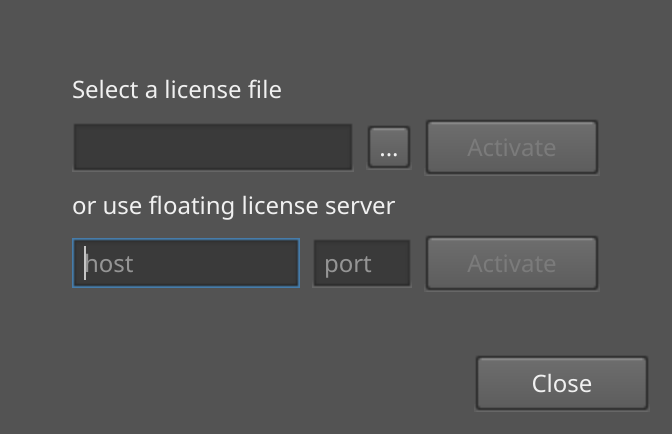
Set the host field to one of the following host addresses of this instance of the license server:
- 127.0.0.1 - this one can be used if the Wrap client is running on the same computer as the license server.
Set the port to 7307 and click Activate button.
If the Wrap client can't connect to the server, please try another host from the list. Due to custom network configuration not all of them can be allowed to use by client computer. If you still can't connect, then please contact your system administrator and if problem still exists, then please write email to contact@faceform.com.
For additional information please read the documentation.